
Step 1: Add RainBarrel as a Partner
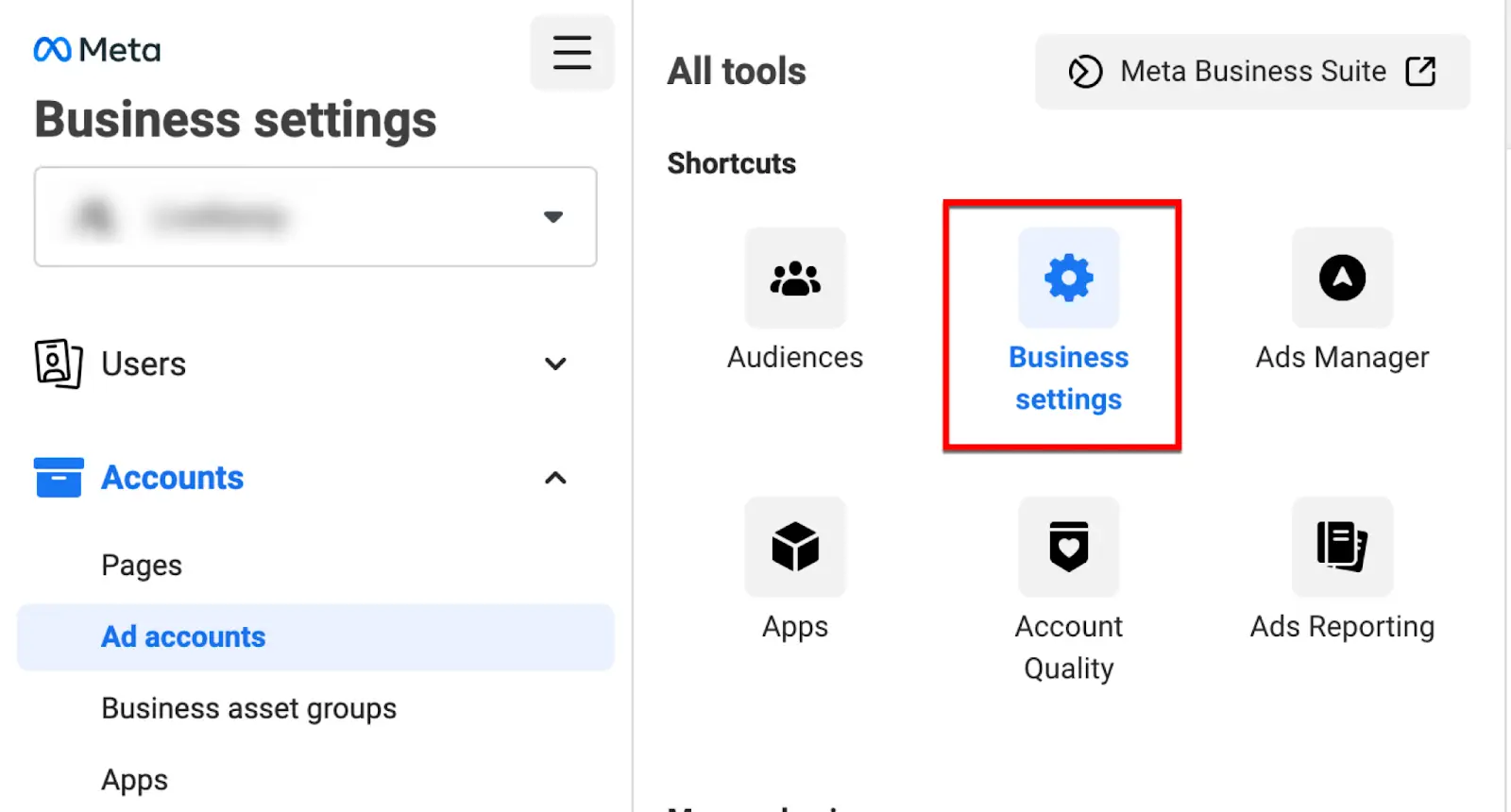
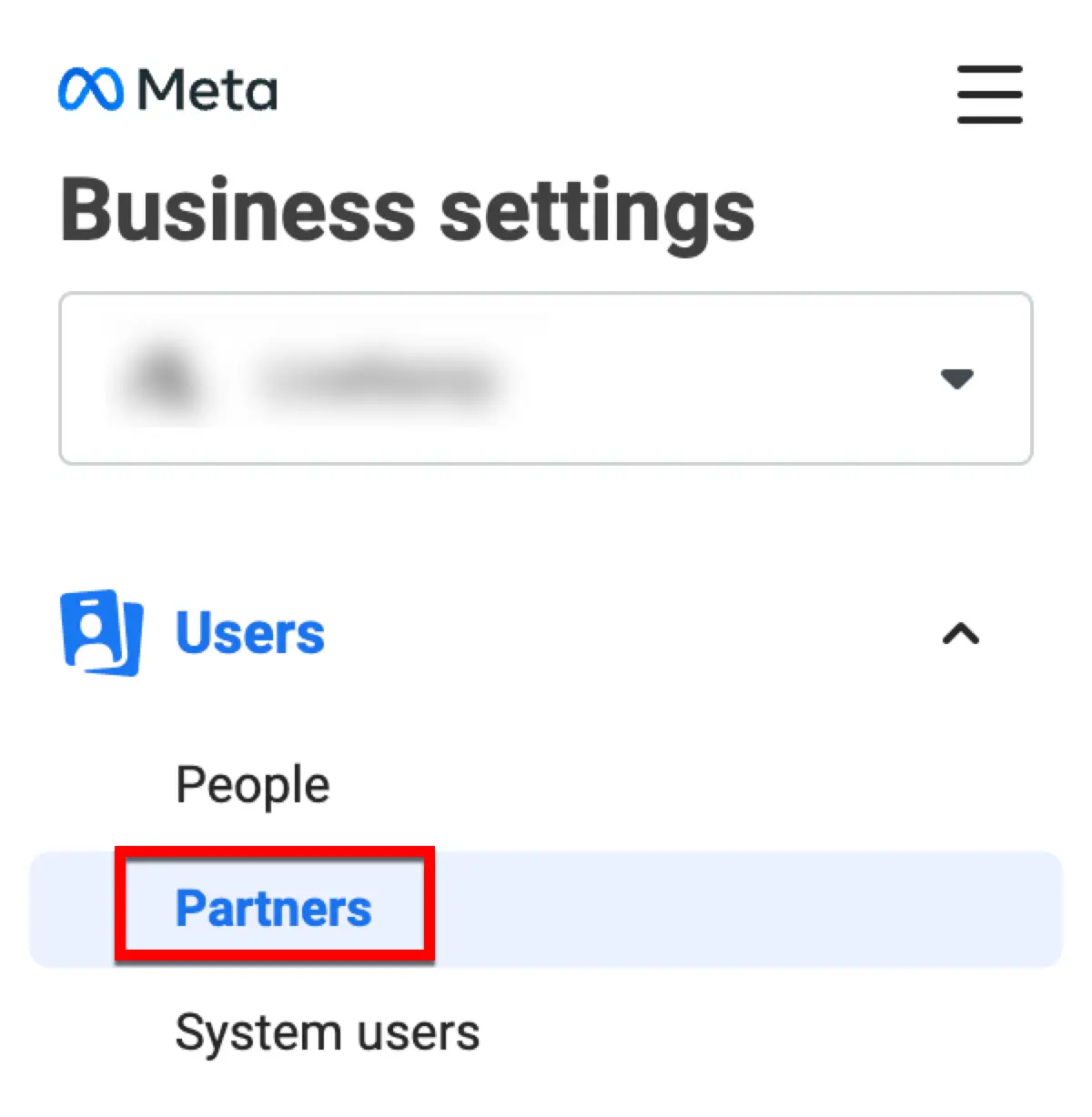
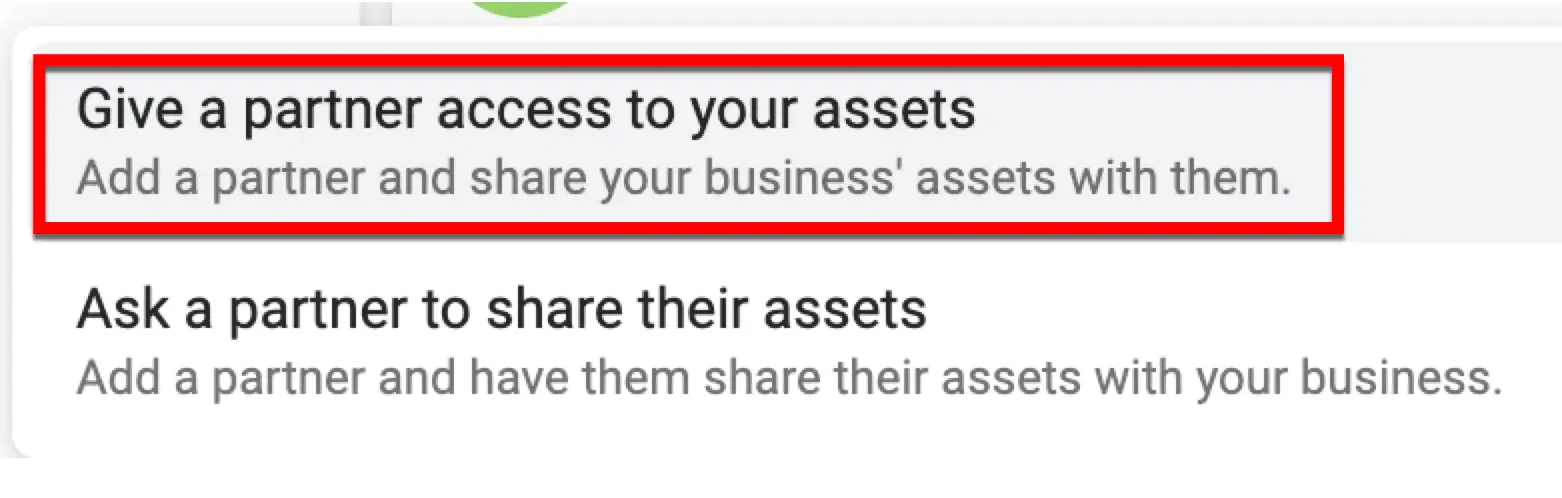
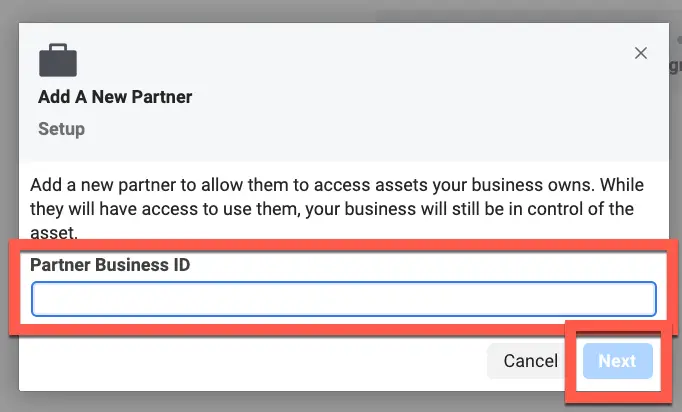
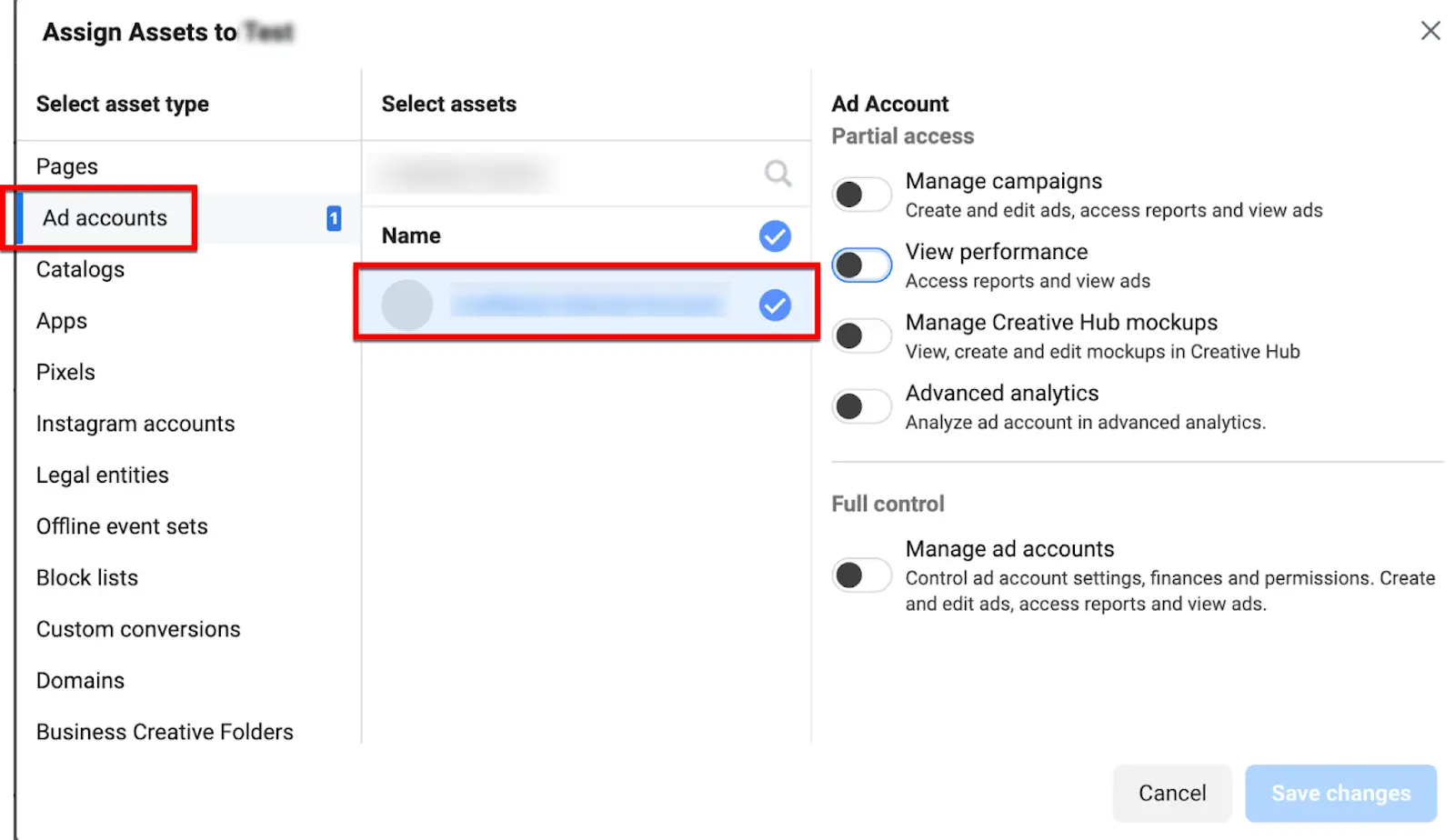
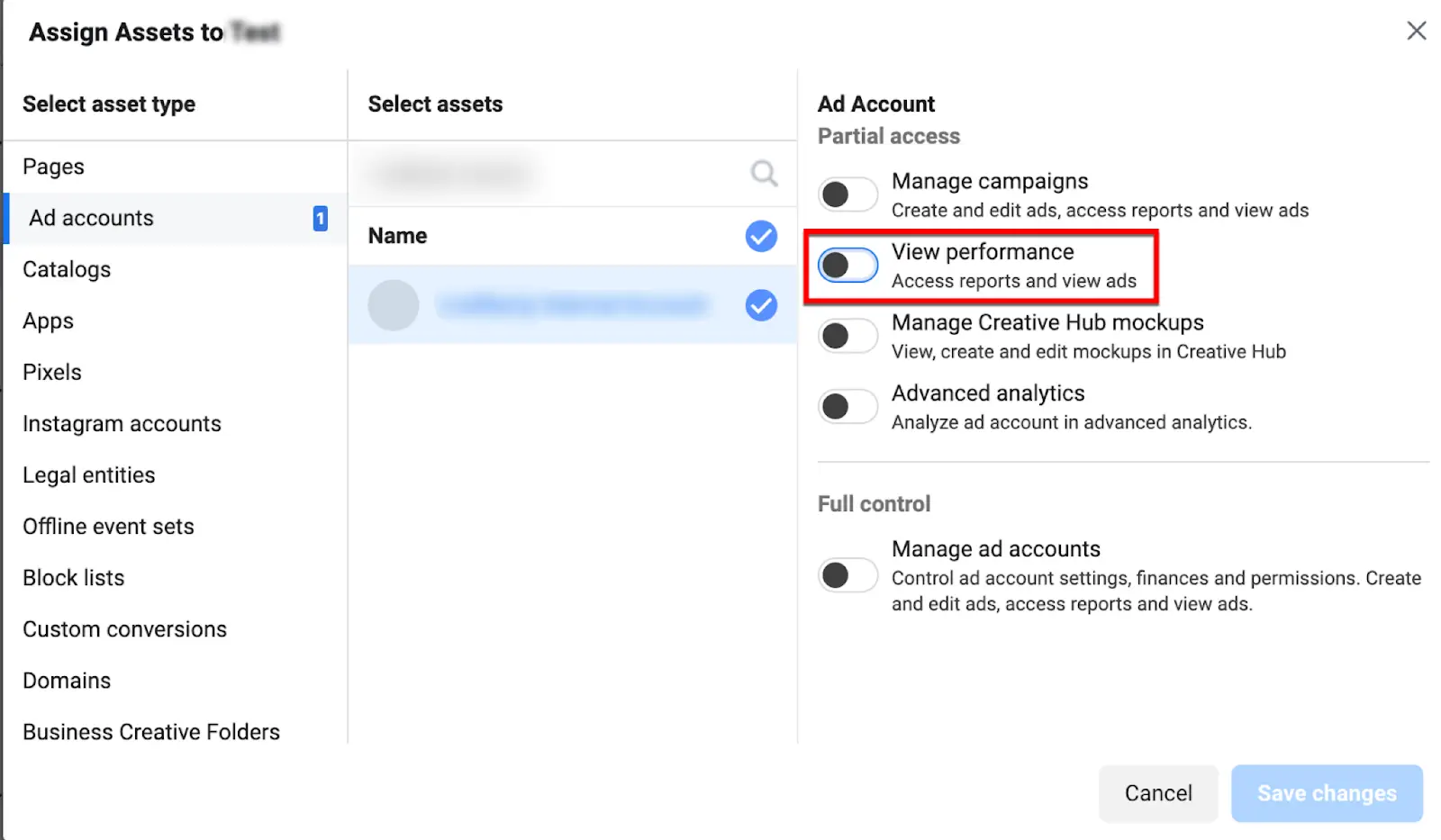
In your Meta Business Settings under Partners and there should be a request there from RainBarrel to accept. Meta requires the client to accept the sharing responsibilities so they're able to use the audience.If you cannot find this request, no sweat. You can manually add RainBarrel as a Partner.
Step 2: Accept Terms of New Audience
One RainBarrel has been added as a Partner, you should be able to see the audience under the Audiences page. There will be a button to accept additional terms and conditions beside this audience before it can be used in a campaign.
Step 3: Add Audience to Campaign
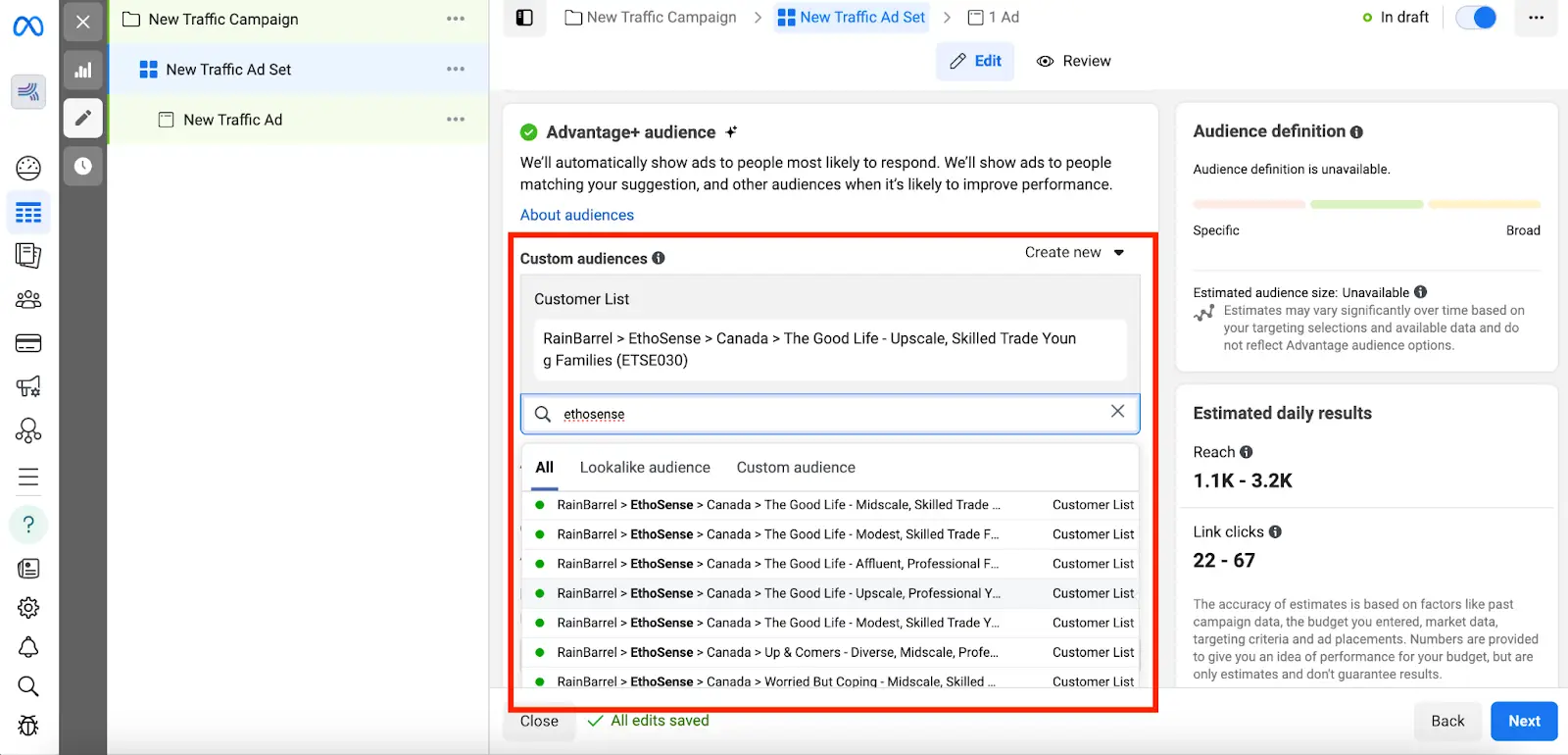
Once you see the audience in the Audiences page and the terms are accepted, you are ready to go! When setting up the Ad Set for your campaign, find the Custom Audience search box and look up your RainBarrel audience.